Draw, scan or customise craft charts, for free
Draw knitting, cross stitch and crochet colourwork from scratch, turn a photo into a chart, or remix a community pattern to suit your next project.
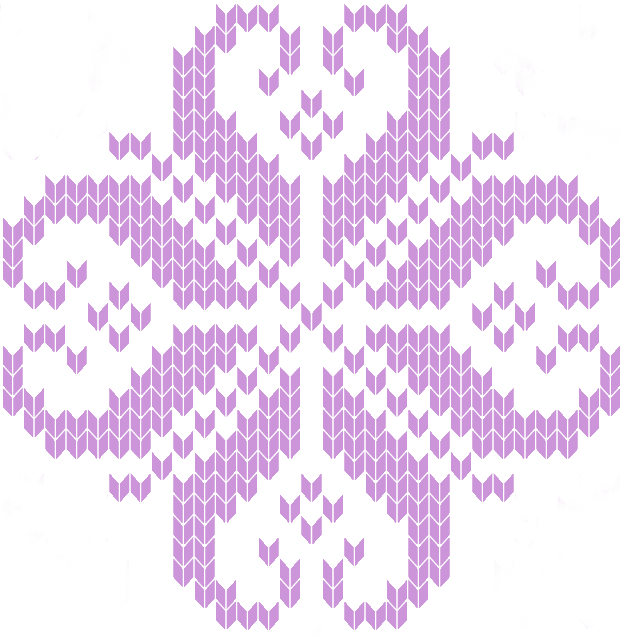
Charts people are making right now
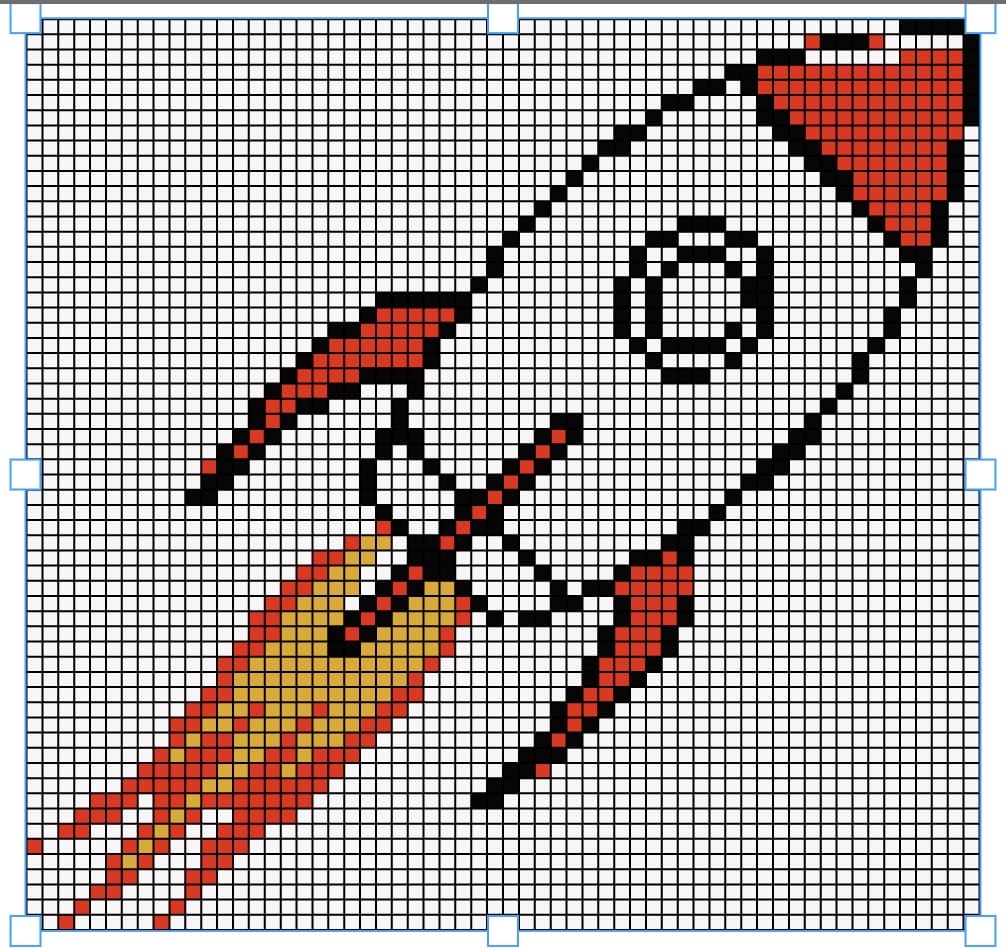
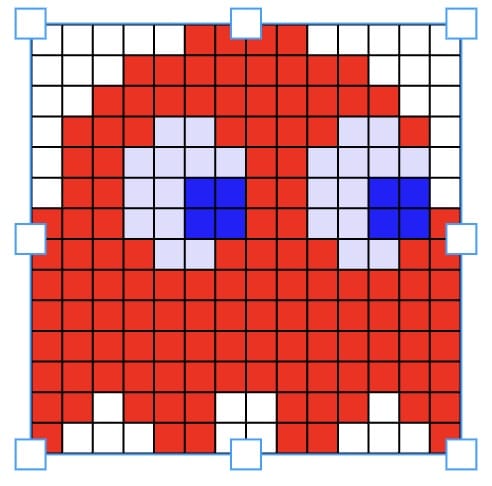
Popular charts from the public library — new picks every day. Open any of them, make it yours, and cast on.
Christmas charts




Animal charts
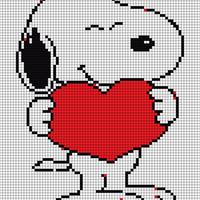
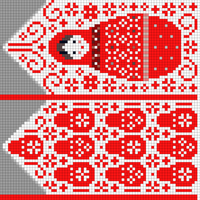
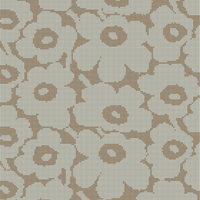
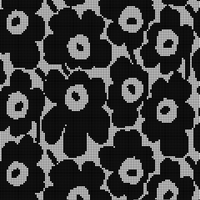
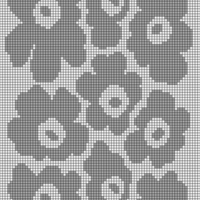
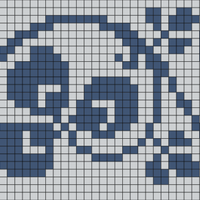
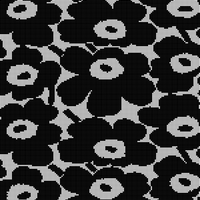
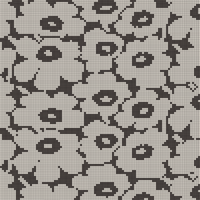
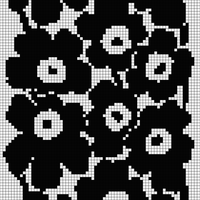
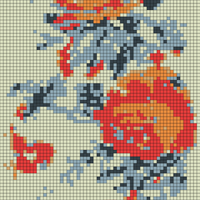
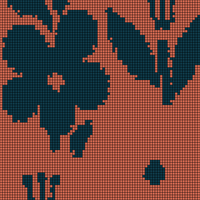
Browse charts by theme
How it works
Pick or draw a chart
Start from a community chart, scan a photo, or draw on a blank grid.
Adjust colours and gauge
Swap in your colours and tension to be sure your finished work will fit and look right.
Download and make it
Export your chart as an image, print it, or track your progress on screen.
The Editor
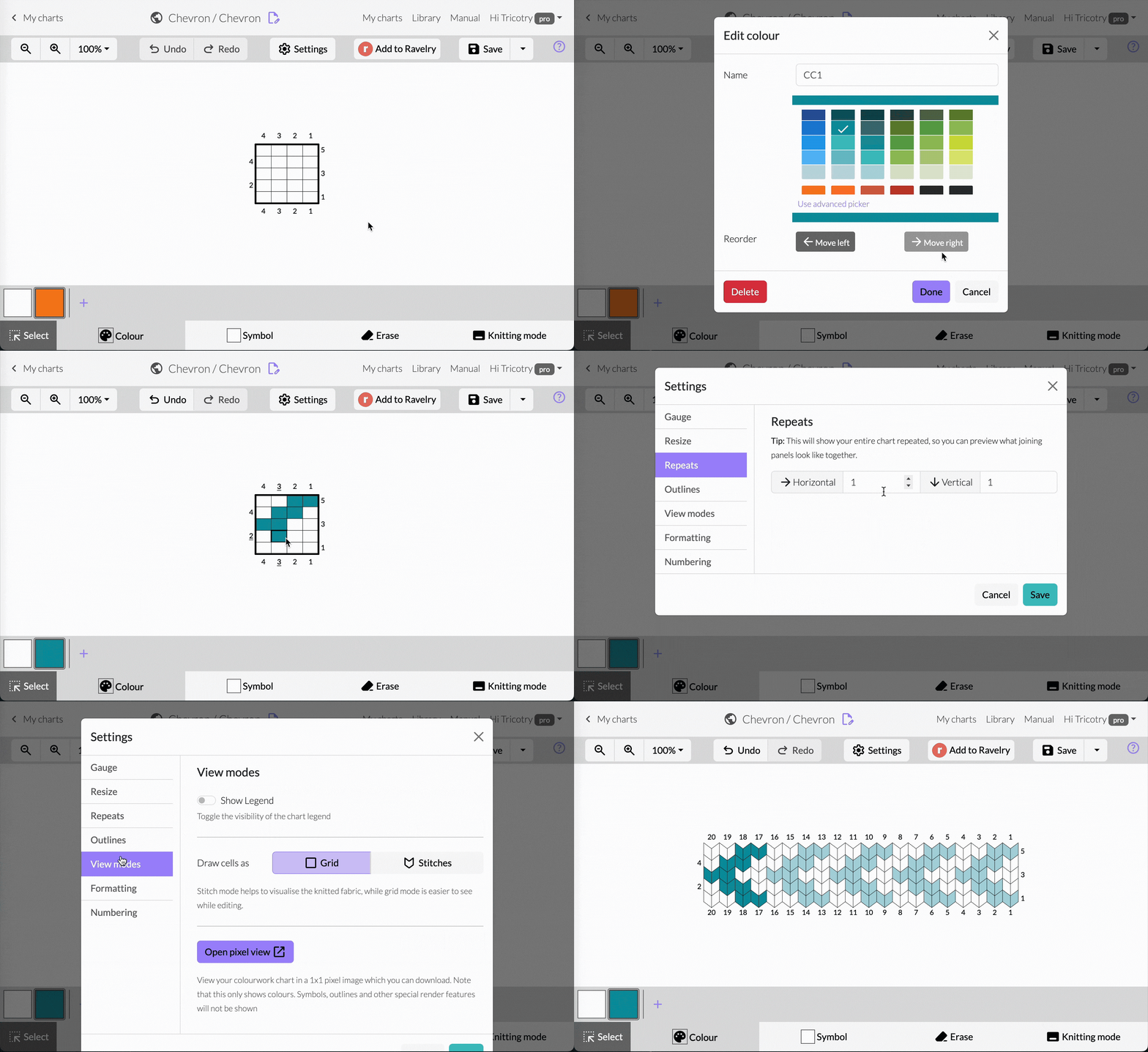
Draw and recolour your chart, stitch by stitch
The Scanner
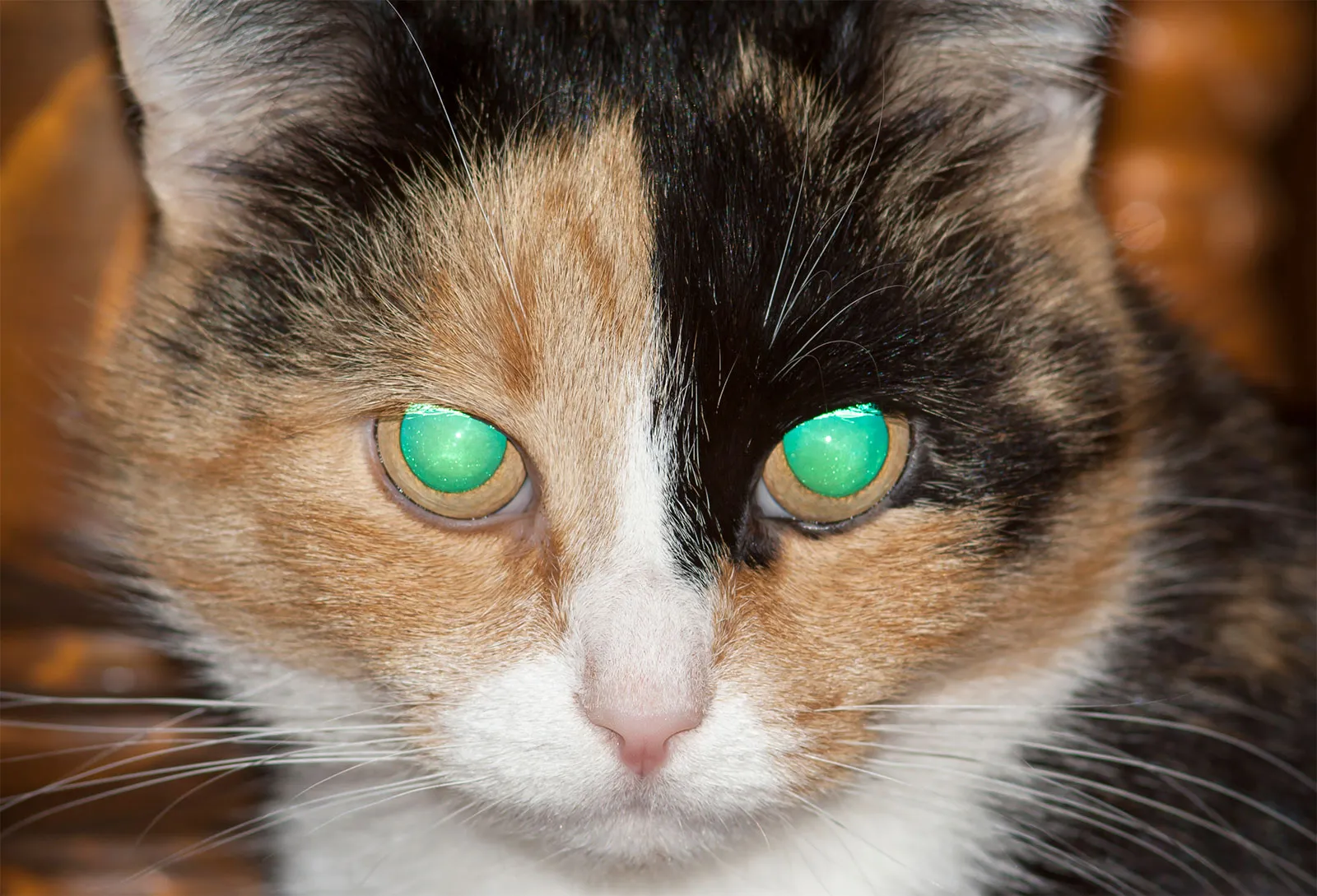
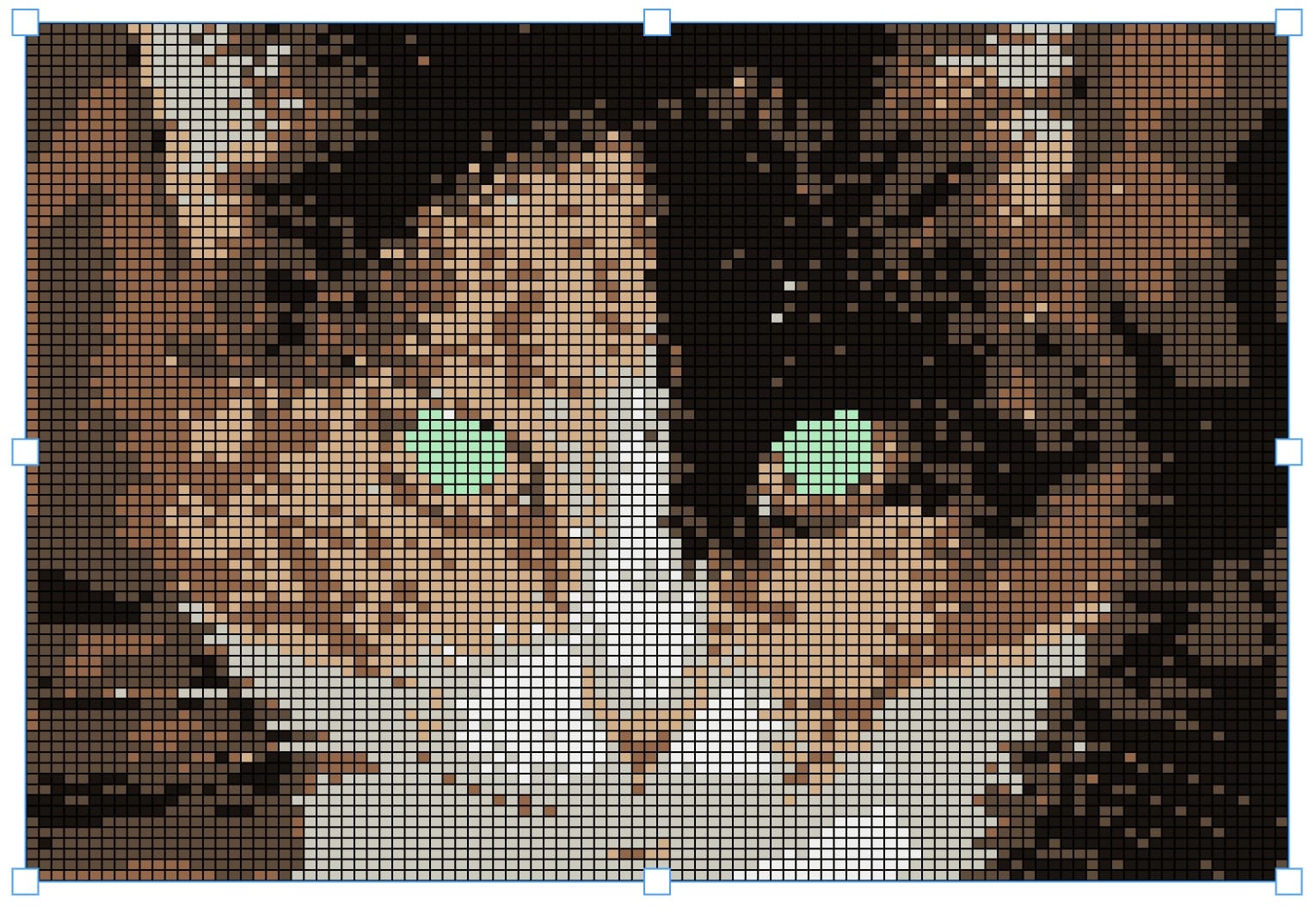
Any image or photo becomes a chart


Search thousands of charts from the community.
Free to use
What is Chart Minder?
Chart Minder is a free online chart maker for knitting, cross stitch and crochet. Draw your design stitch by stitch, see measurements and repeats update to your gauge as you go, and preview your colourwork as real stitches before you cast on. When you're done, download your chart or keep it in your library.
Whatever your grid — hand knitting, machine knitting, cross stitch, crochet or any other pixel art craft — if it's worked from a chart, you can design it here.
Features
Scanner
Turn a photo or image into a colourwork chart in seconds
No more maths
Enter your gauge and see true finished measurements as you draw
Freehand design
Sketch your pattern freestyle, stitch by stitch
Track
Keep your place as you work your chart
Personalise
Remix any public chart — swap colours, resize, adjust for your yarn
Download
Export your chart as an image for patterns or print